
Packages/com.molca.core/Runtime/Settings/MolcaProjectSettings.assetScript:
Packages/com.molca.core/Runtime/Settings/MolcaProjectSettings.cs
Applies to: any Unity project using Molca Core (Packages/com.molca.core/) — VR, DT, or other Molca templates.
Role
- Selects which RuntimeManager prefab is instantiated at startup (
RuntimeInitializeOnLoadMethod→ load settings → instantiate →DontDestroyOnLoad). - References
GlobalSettings(the bag ofSettingModuleassets).
MolcaProjectSettings (see script for platform branches).
Prefab choice
The assigned prefab determines whichRuntimeSubsystem components exist (session manager, tour, fade, etc.). See Runtime subsystem and RuntimeManager.
Unity Editor
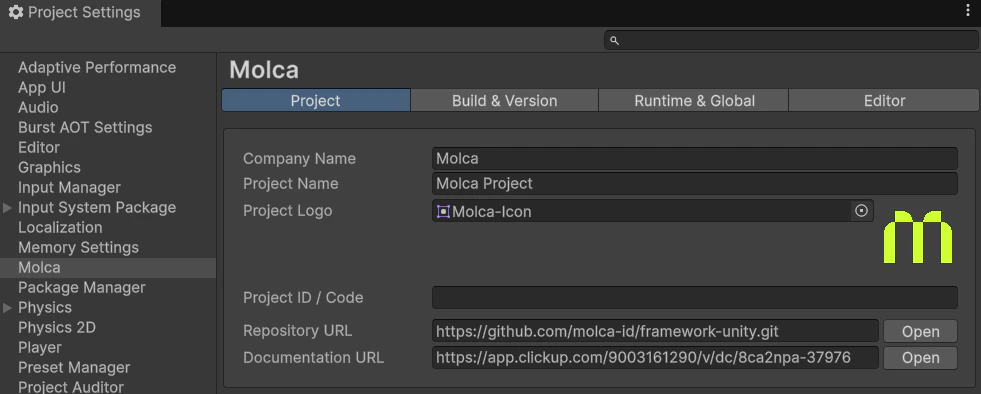
MolcaProjectSettings asset — Inspector (Runtime Manager prefab + Global Settings)