
Assets/_MolcaSDK/Code/Scripts/Auth/Namespace:
MolcaSDK.Auth
Code
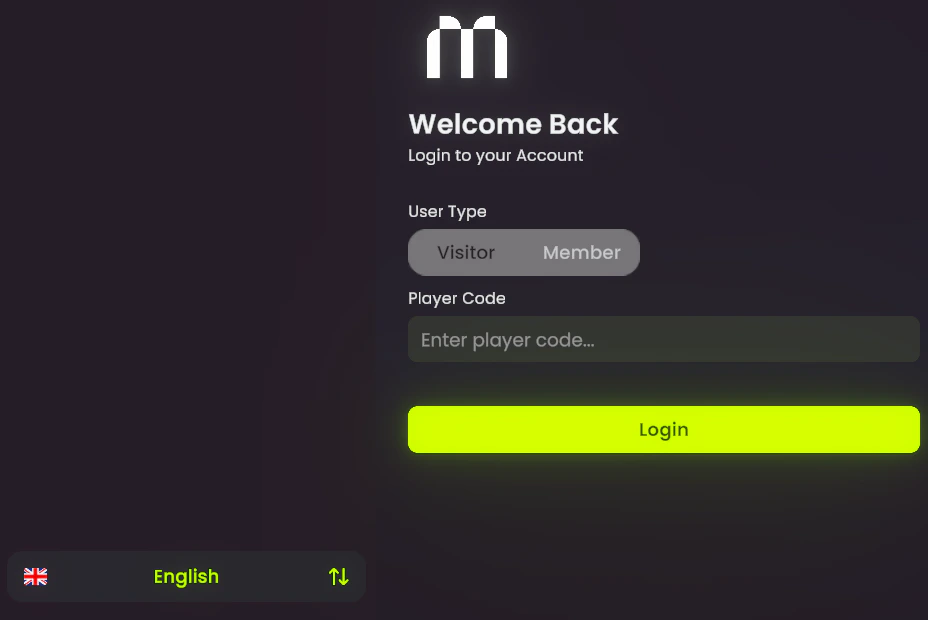
Inspector-driven:AuthUI assigns TMP_InputField, error texts, SharedString nextSceneName, and guest panel buttons. On start it await RuntimeManager.WaitForInitialization(), registers AuthEvents.LoggedIn, and loads nextSceneName.value after a successful login.
Programmatic login (same as OnLoginClicked):
OnGuestClicked — confirmation modal then GuestLogin):
Troubleshooting
- Scene does not load after login —
AuthEvents.LoggedInmust fire;SharedStringnextSceneNamemust match a registered scene. CheckSceneLoadManager/ build settings. - Login always fails — Verify AuthManager subsystem, backend URL/auth config in your project, and that
LoginAsyncerrors surface (UI sets a generic invalid-credentials message onusernameErrorTextonly for the main path). - Guest panel stuck —
guestPanelShow/Hide is manual from buttons; ensureguestLoginCancelButtonclears the panel. - Start race —
AuthUIawaitsWaitForInitialization; do not callLoginAsyncfromAwakeon the same object before that completes.
Related
- RuntimeManager
- Session authentication — VR session / OTP
- Modal manager — guest confirmation
- GameManager — global HTTP UX (orthogonal to login)
Unity Editor
AuthUI Inspector